ODIN SYNC

File transfer apps are a pain.
This one isn't.

Pick your ROMs, PC games, music and videos on the PC. Hit Sync. Odin Sync puts exactly what belongs on each Android handheld, in the right folders, over Wi-Fi, and checks every byte.

Free for Windows, Linux and macOS. The Android app installs from the PC app.

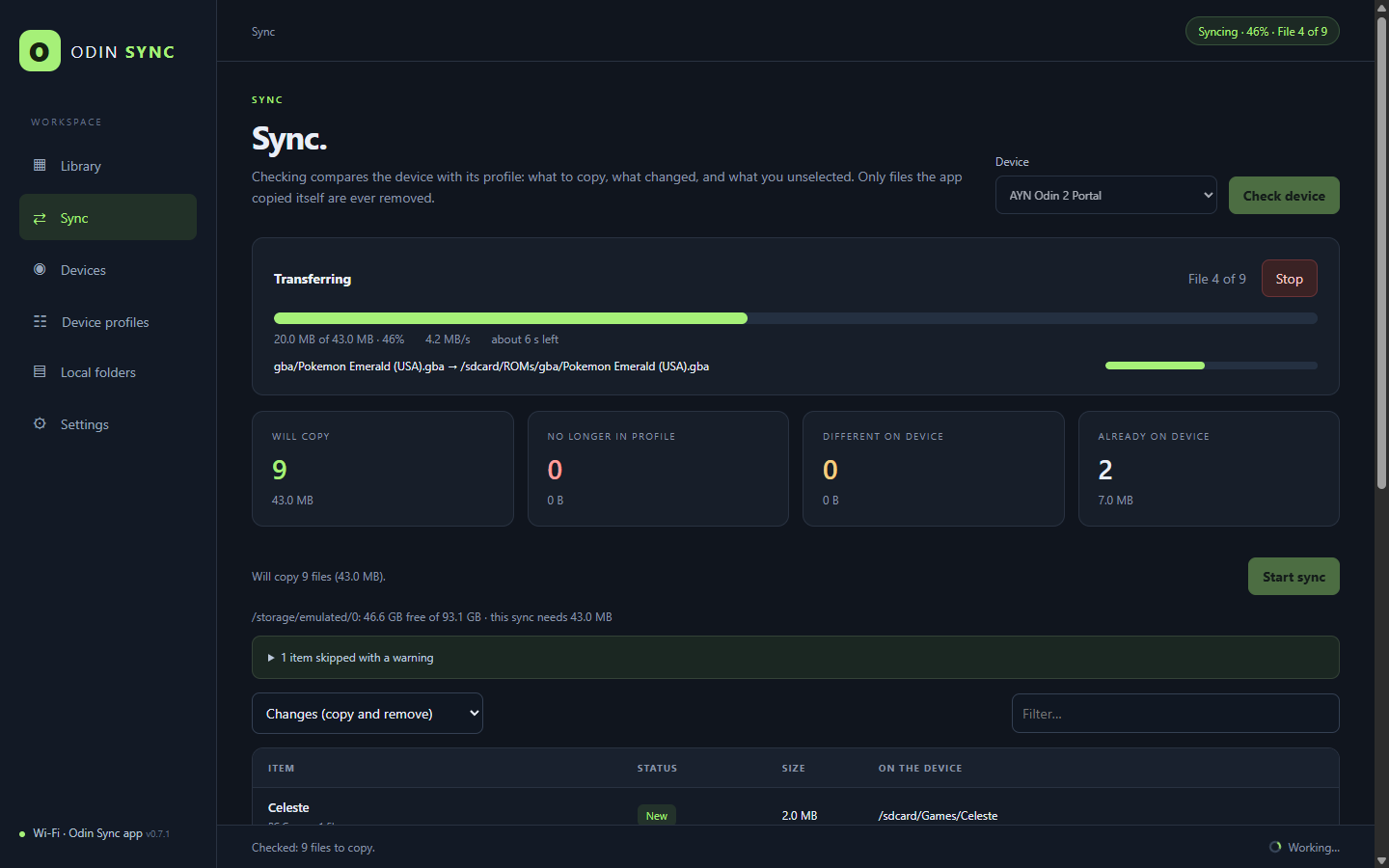
Odin Sync copying games to a handheld, with progress and speed

The usual way

  • Drag folders over one at a time, then forget what you copied.
  • Transfers stall the second the handheld's screen goes dark.
  • ADB, cables, developer options and pairing codes that expire.
  • A dropped connection leaves half a game behind.
  • Cleaning up means hunting through folders on a tiny screen.

With Odin Sync

  • Tick what you want once; it remembers, per device.
  • Keeps going with the screen off.
  • No cables, no ADB: a small app and your PIN.
  • Every file is checked with SHA-256 before it replaces anything.
  • Untick it on the PC and it is removed from the handheld, safely.

Up and running in minutes

No developer options, no cables, nothing to configure on the handheld beyond one permission.

  1. Install on your PCand set your PIN.
  2. Add your foldersROMs, PC games, music, videos.
  3. Install the appon your handheld, from the link in Devices.
  4. PairFind Odin Sync on the PC, enter your PIN.
  5. Pick and syncTick what you want, press Sync.

Why it's great

Built by someone who got tired of copying ROMs by hand.

Your library, per device

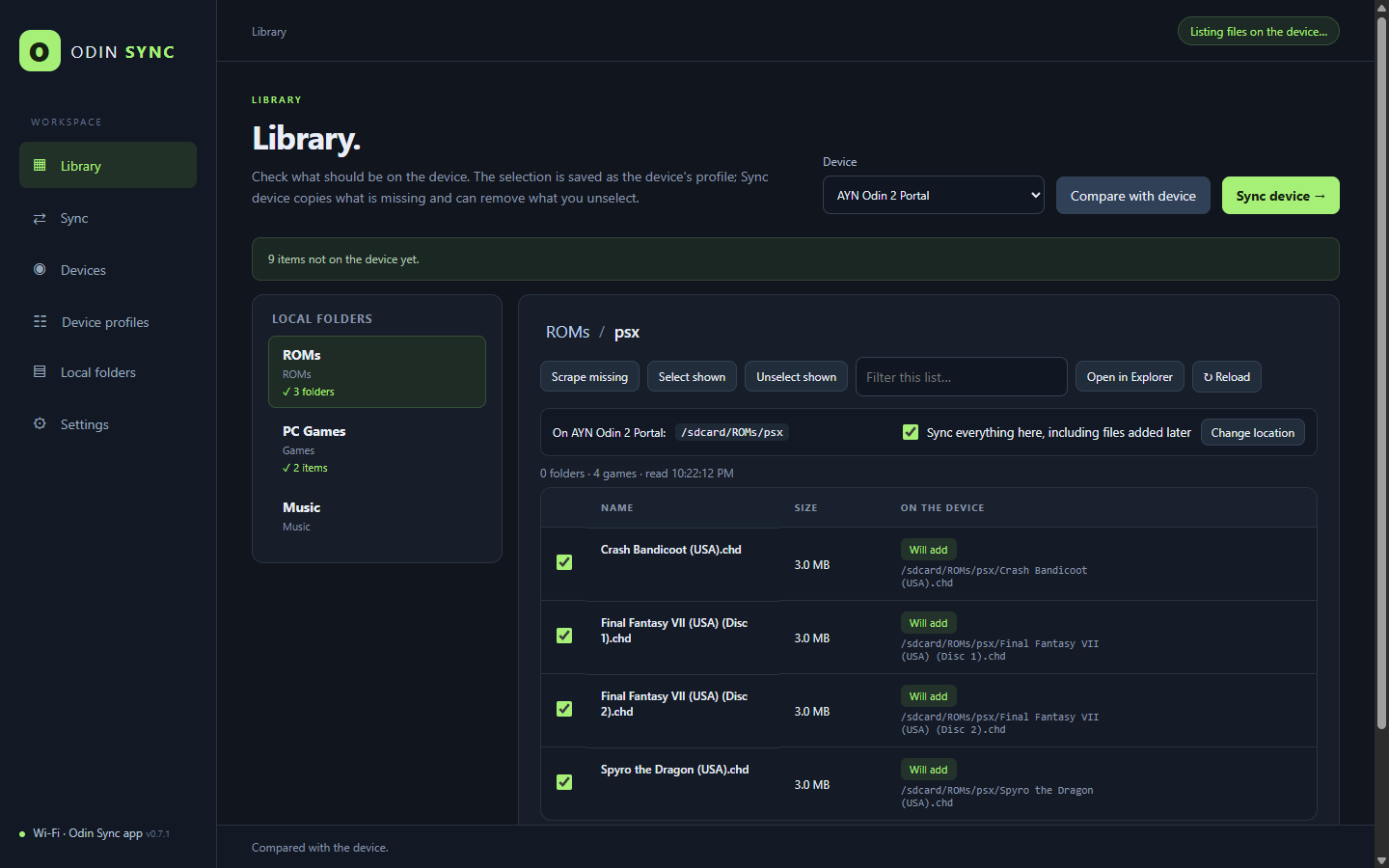
  • A profile for every handheld: where each folder goes, and what belongs on it.
  • Check a whole system and new games come along by themselves.
  • Compare with device shows what was deleted there and what isn't synced yet.

The Library with per-game sync status

Know before you sync

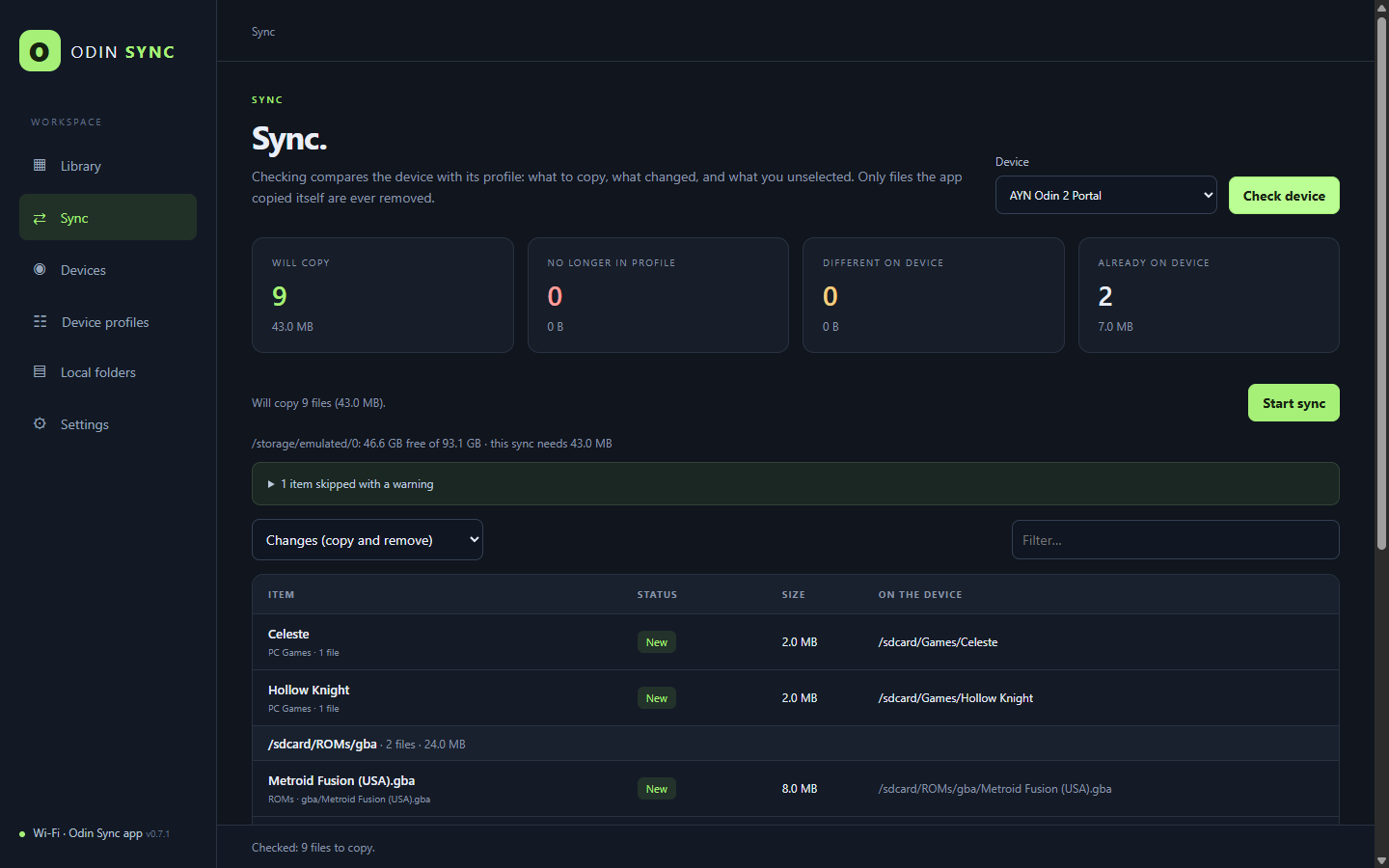
  • A clear review: what's new, what changed, what goes away.
  • Free space checked before a single byte moves.
  • Safe removals: only files Odin Sync copied, never your saves.
The sync review before copying

The handheld's storage, from your desk

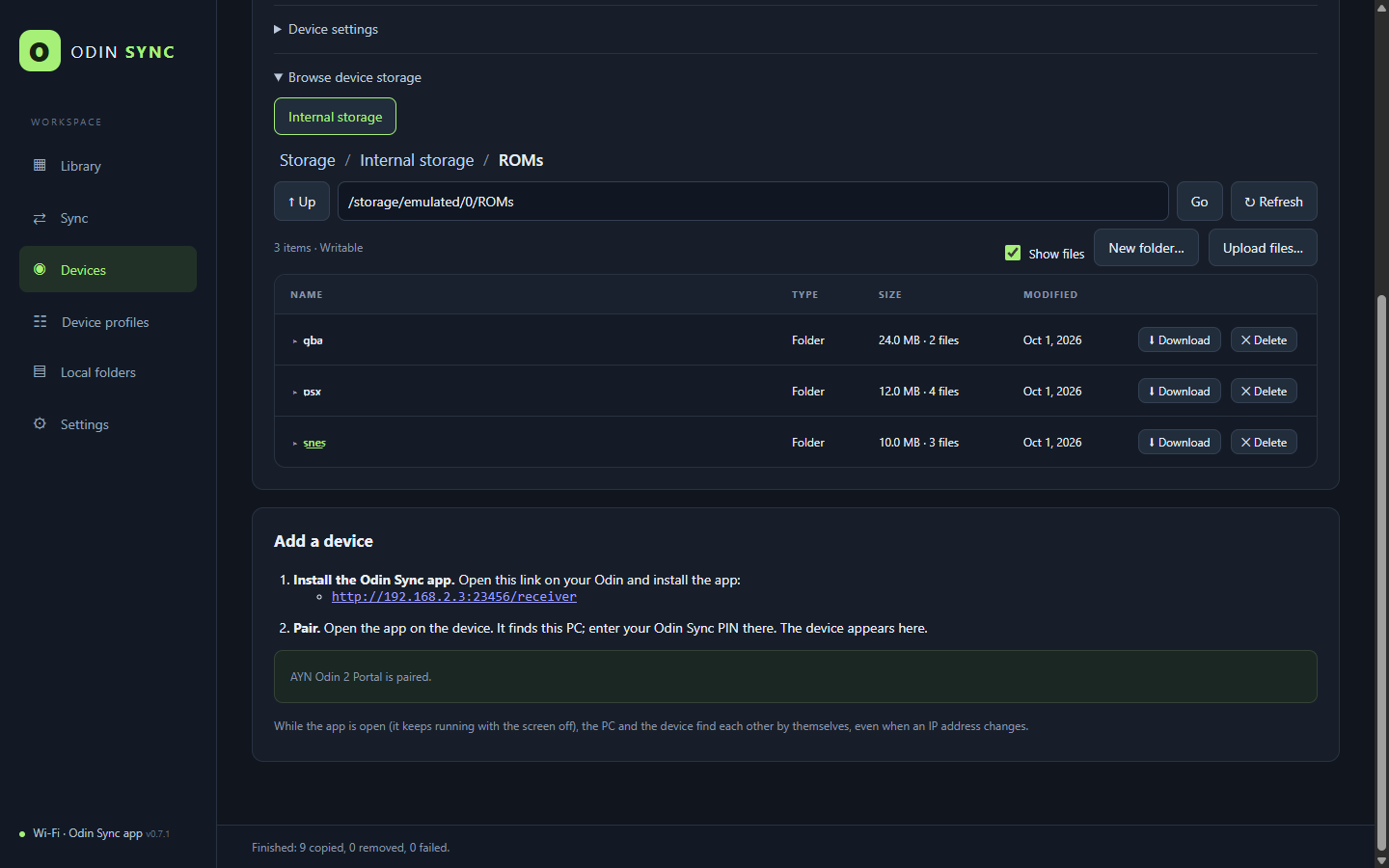
  • Browse internal storage and SD cards with real folder sizes.
  • Upload and download files and whole folders.
  • Finds the device by itself, even when its IP changes.
Device storage browser

Artwork and ES-DE

Covers, screenshots and details from libretro, ScreenScraper and Steam, straight into ES-DE.

GameNative configs

The best community config for each PC game on your GPU, ready to import.

Control it from the couch

Open Odin Sync on the handheld and its browser lands in your Library, signed in.

Plays nice with games

Low impact transfers cap the speed, so you can keep playing while it syncs.

Smart about games

Multi-disc sets travel together, PC games sync whole, and frontend clutter stays home.

Updates itself

The handheld app offers new versions from your PC and installs them in one tap.

Download

Free. The Android app comes with the PC app; you install it on the handheld from a link.

Windows

Windows 10 and 11, 64-bit.

Download .exe

macOS

Intel and Apple silicon.

Download .dmg

Linux

AppImage, runs on most distributions.

Download AppImage

Debian / Ubuntu

A .deb package.

Download .deb

The builds aren't code-signed yet: on Windows choose More info โ†’ Run anyway; on macOS right-click the app and choose Open the first time. Android 11 or later on the handheld.